
uncatagorized
Your Pattern Library and Preset Library Tutorial
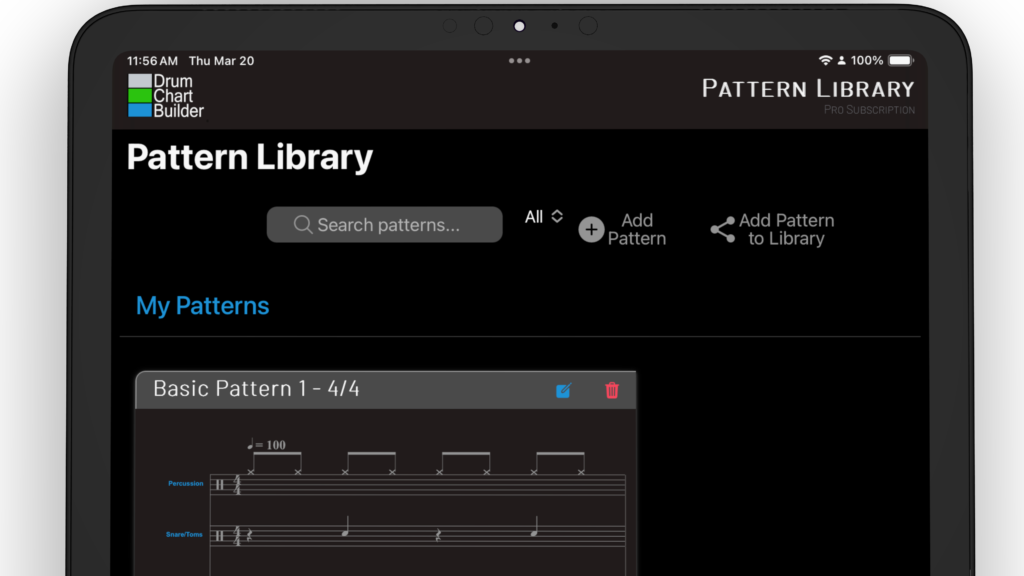
Your pattern library is located on the Patterns page. Select the icon Pattern that is in the bottom menu of the app. Pattern Library Cards You can edit and delete your pattern library from this pattern card. Selecting the blue icon to edit and the red trash icon to delete. Select the play icon to…
Read MoreYour Setlist Library Tutorial
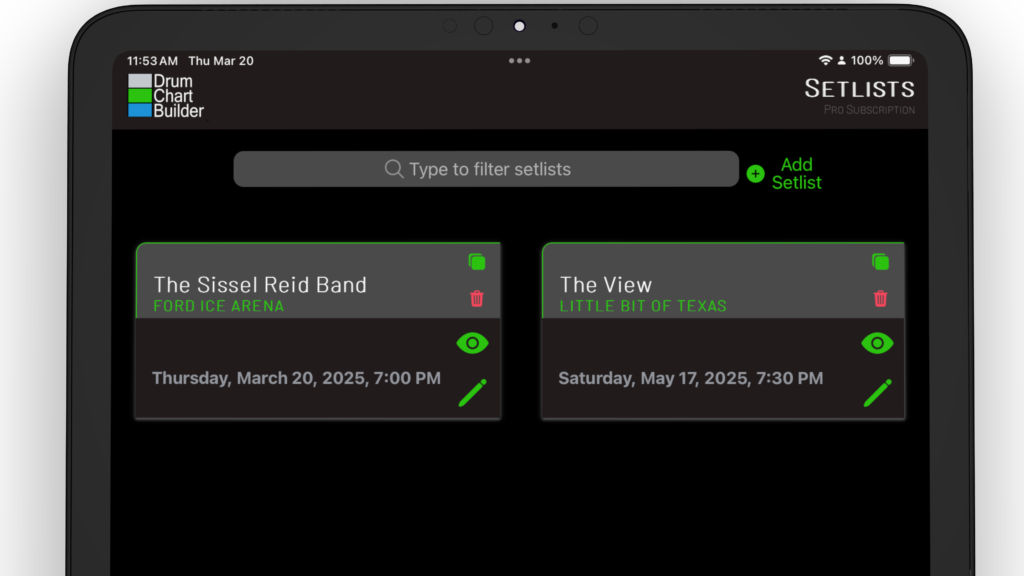
Your Setlist Library and It’s Features Search and Add a New Setlist Search setlist library by band name and venue name. Select ADD SETLIST to build a new setlist. Setlist Library Card Features See band name and venue name.See day, date and time of your performance.Use the setlist card to View Setlist (eye icon), Edit…
Read MoreYour Chart Library Tutorial
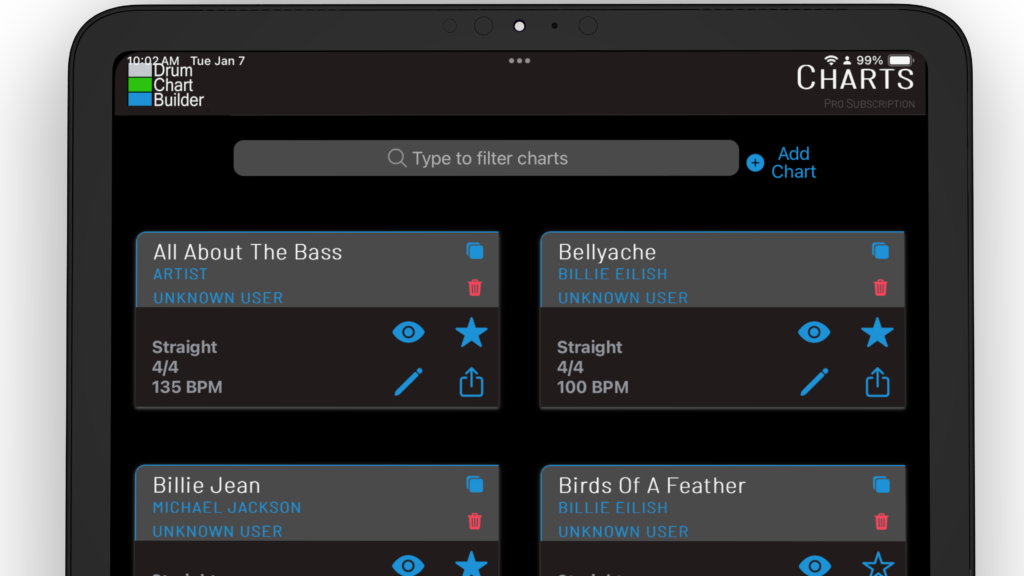
Your Chart Library and its Features Search and Add a Chart Search chart library by name and artist name. Select ADD CHART to build a new chart. Chart Library Card Features See chart name, band name and the name of the user who built the chart.See feel, time signature and BPM of the chartUse the…
Read MoreYour Home Page Tutorial
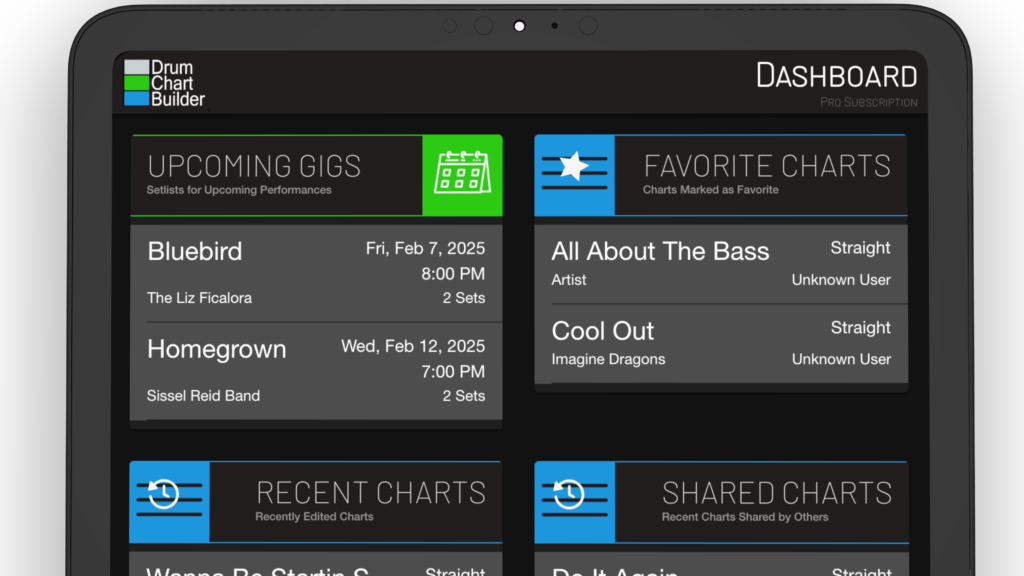
The Dashboard is where you can see current upcoming performances to shared charts.
Read MoreHow to Share Your First Chart
How to Share a Chart From the dashboard select the chart icon at the bottom of the page and open the chart library.Search the chart you would like to share and select the square icon in the chart card. This opens the share interface. Enter recipient email Enter the email of the person you would…
Read MoreHow to Build Your First Drum Chart

Open The Chart Template From the dashboard select the chart icon in the bottom menu to open the chart library. At the top of the chart library select + Add Chart to open a drum chart template. Add Your Song Link Select the headphone icon to add you song link from your Music provider.Upload your song link…
Read MoreDrum Shows-PASIC – November 12-15, 2025 We Will have a booth so come by.

Registration Opens Soon Drum Chart Builder will be have a booth at the show. Come by and get all your questions answered What is PASIC? Join PAS November 12-15, 2025 in Indianapolis, IN at the Indianapolis Convention Center for one of the largest drum and percussion events in the world – the Percussive Arts Society…
Read MoreHow to Build Your First Drum Pattern
How To Create and Add a Pattern To Your Chart. Adding Multiple Patterns to Your Chart to Fit On One Page Adding Patterns to Your Library Adding Patterns From My Patterns library and the Shared Patterns preset library.
Read MoreHow to Create Your First Setlist
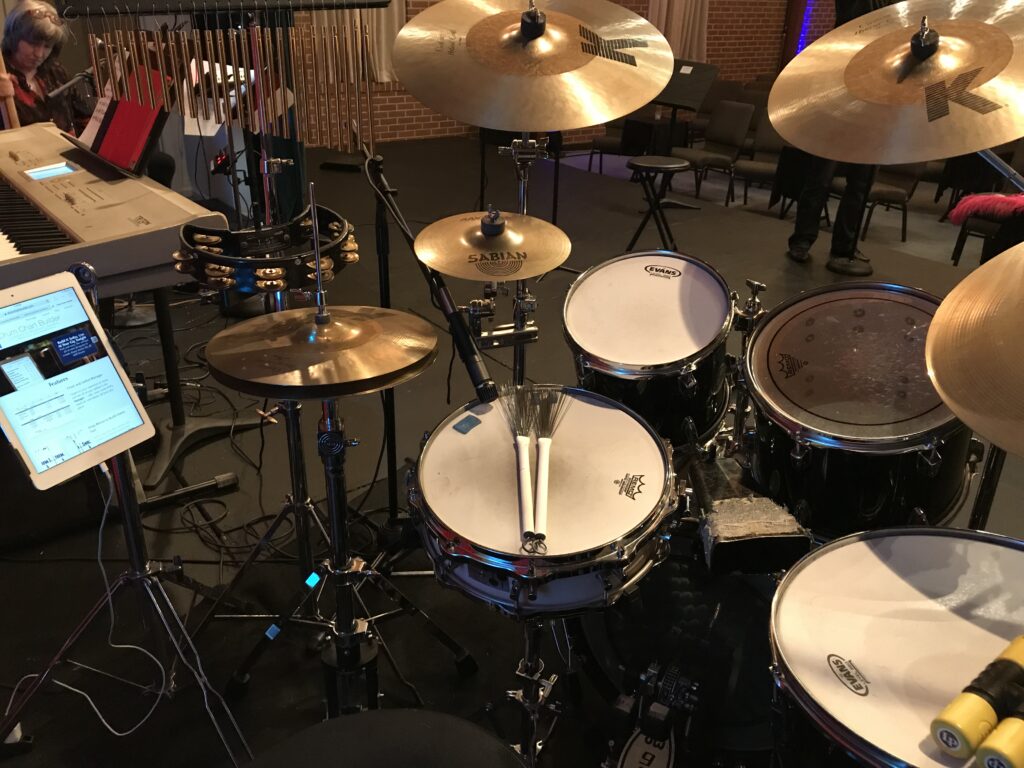
How To Create a Setlist Adding Multiple Charts to Setlist Add More Sets, Songs Without a Chart and Setlist Notes How to Edit Your Setlist How to View all Charts in the Performance Mode Performance Mode
Read More