
Posts Tagged ‘Drum Chart’
How to Share Your First Chart
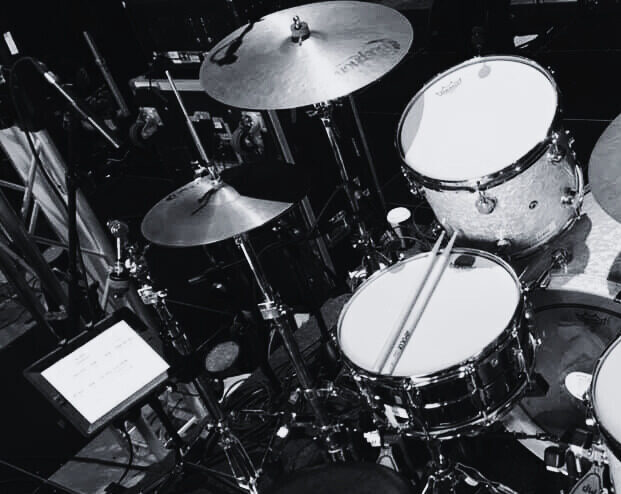
How to Share a Chart From the dashboard select the chart icon at the bottom of the page and open the chart library.Search the chart you would like to share and select the square icon in the chart card. This opens the share interface. Enter recipient email Enter the email of the person you would…
Read MoreHow to Build Your First Drum Chart

Open The Chart Template From the dashboard select the chart icon in the bottom menu to open the chart library. At the top of the chart library select + Add Chart to open a drum chart template. Add Your Song Link Select the headphone icon to add you song link from your Music provider.Upload your song link…
Read More